

Canva: Design Anything. Present Everything.
Not everyone is a trained designer, but everyone needs to create good-looking presentations, posters, and social media posts today. This is where Canva helps. Canva is one of the most popular online design tools, and learning it is a simple way to make your work stand out.
At Vidyalankar School of Business (VSB) and Vidyalankar Institute For International Education (VIIE), we help students build future-ready skills. Here’s a quick, simple guide to Canva.
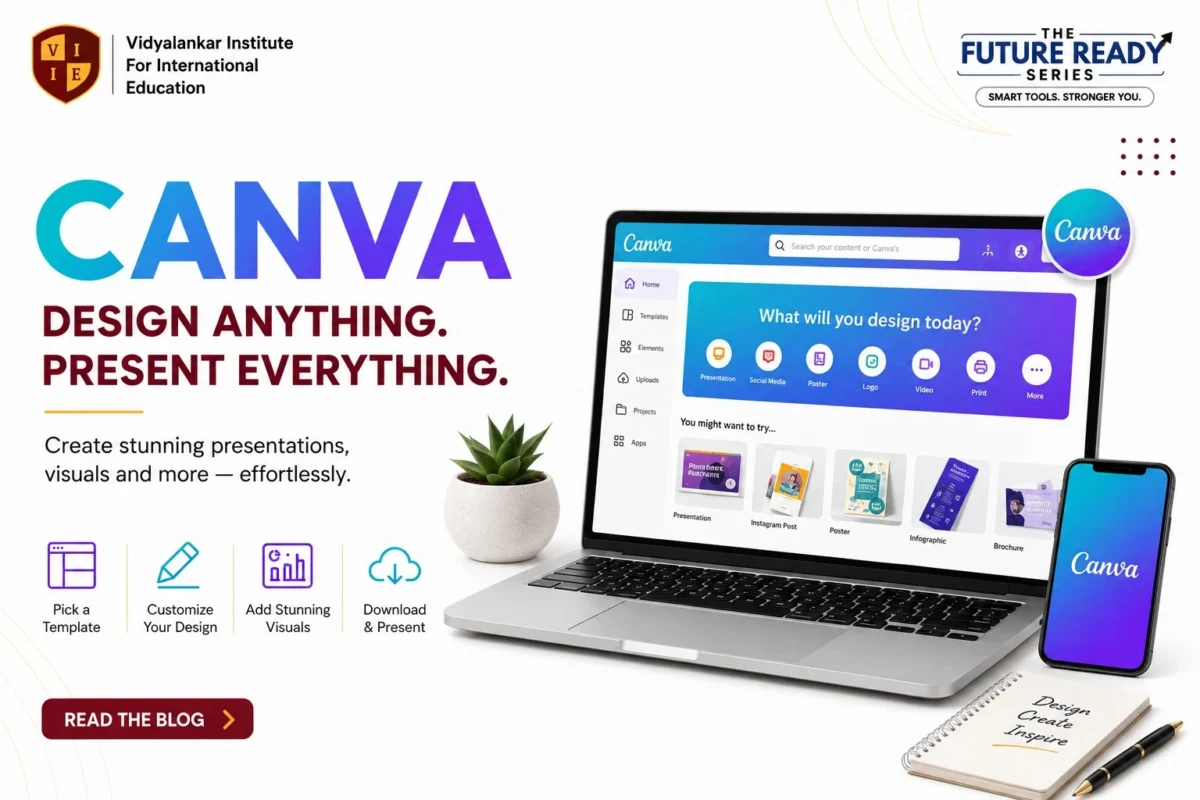
What is Canva?
Canva is an easy-to-use online design tool that helps you create professional visuals — no design skills needed. From presentations and posters to social media graphics, Canva makes graphic designing simple for everyone, whether you’re a student, professional, or business owner.
How to Create a Great Presentation with Canva
- Choose a Template – Pick a professional design to get started.
- Add Your Content – Insert text, images, charts, and data.
- Customize the Design – Change fonts, colors, and elements to match your topic.
- Enhance with Visuals – Use icons, charts, and photos to make it clear and engaging.
- Download & Present – Save as PPT, PDF, or share a link — and you’re ready!
Following these five steps helps you build a polished, professional Canva presentation in minutes.
Canva Essentials
Here are the key features that make Canva so powerful:
- Templates – Professional designs for every need.
- Elements – Millions of icons, shapes, and illustrations.
- Text Tools – Beautiful fonts and styles for every design.
- Charts & Graphs – Visualize data effortlessly.
- Collaboration – Work together with your team in real time.
Why Learn Canva?
Good visuals make a big difference — whether it’s a college project, a business pitch, or a social media post. Canva helps you design smarter and present better without needing any design background. It saves time, looks professional, and works great for teamwork since everyone can edit and comment in real time.
Connect with us today: