

Excel Formula Essentials: Must-Know Formulas for Management Students
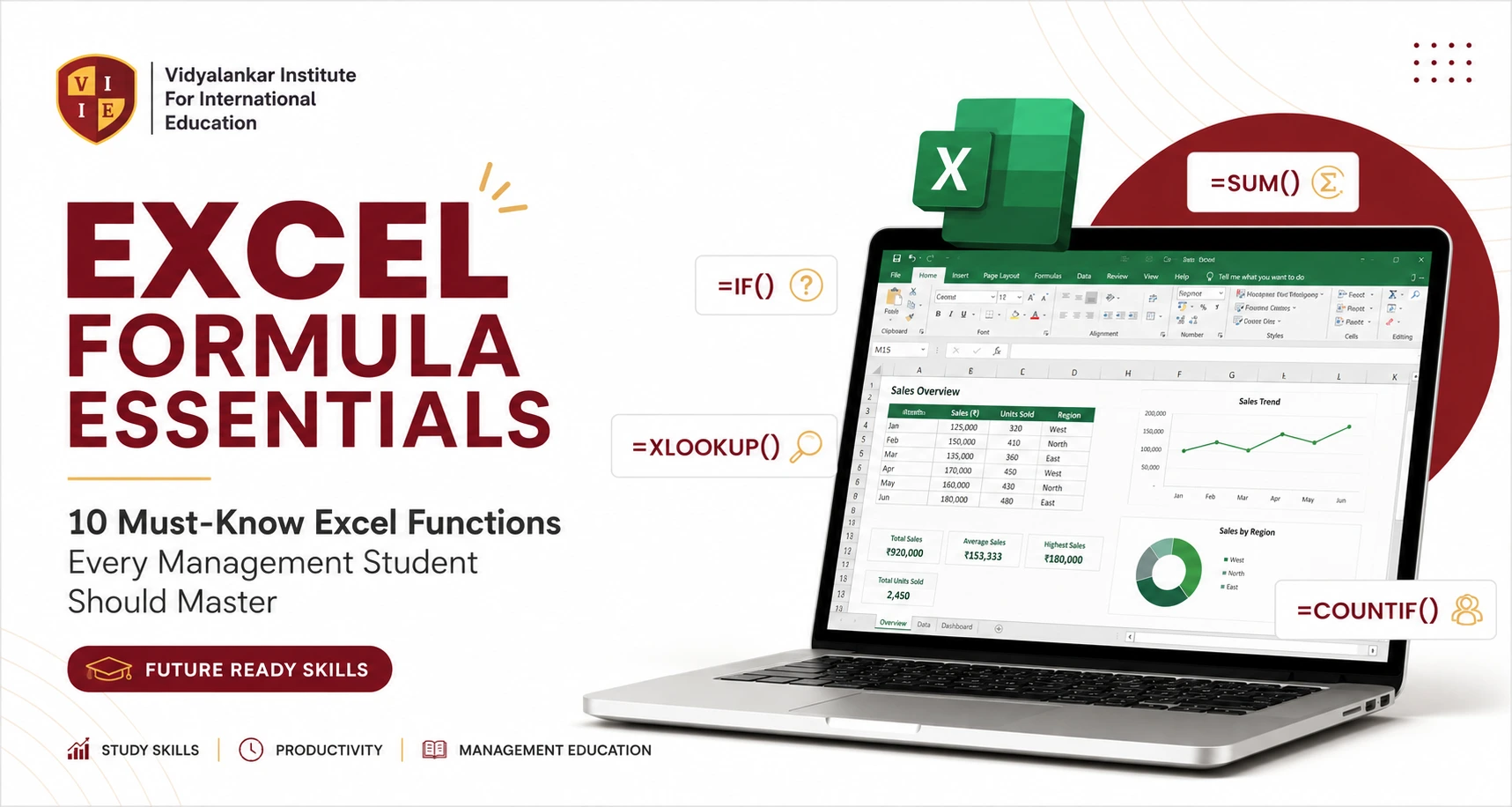
Microsoft Excel is one of the most important tools for any management student or working professional. Whether you’re analyzing sales data, building a budget, or preparing a report, knowing the right Excel formulas can save you hours of work. Here’s a simple guide to the must-know Excel formulas work smart, analyze better, decide faster.
At Vidyalankar School of Business (VSB) and Vidyalankar Institute For International Education (VIIE), we help students build future-ready skills. This guide is part of our Future Ready Series.
Basic Arithmetic
Perform basic calculations in your sheets:
- Build your professional identity
- Connect with industry experts
- Discover job and career opportunities
- Learn and grow every day
- Showcase your skills & projects
- Stand out to recruiters
Aggregate Functions
Summarize and analyze your data:
- =SUM(B2:B20) – Total
- =AVERAGE(B2:B20) – Average
- =MIN(B2:B20) / =MAX(B2:B20) – Minimum/Maximum
- =COUNT(B2:B20) / =COUNTA(B2:B20) – Count/Non-blank Count
Logical Functions
Make decisions in your data:
- =IF(B2>=50, “Pass”, “Fail”)
- =AND(B2>=50, C2>=75)
- =OR(B2>=50, C2>=75)
- =IF(AND(B2>=50, C2>=75), “Eligible”, “Not Eligible”)
Lookup Functions
Find and fetch data from other tables:
- =XLOOKUP(A2, F:F, G:G)
- =VLOOKUP(A2, F:G, 2, FALSE)
- =INDEX(G:G, MATCH(A2, F:F, 0))
Text Functions
Work with text efficiently:
- =CONCAT(A2, ” “, B2)
- =TEXTJOIN(“, “, TRUE, A2:A5)
- =LEFT(A2,3) / =RIGHT(A2,4) / =MID(A2,5,3)
- =LEN(A2) / =TRIM(A2)
- =UPPER(A2), =LOWER(A2), =PROPER(A2)
Date Functions
Extract and work with dates easily:
- =TODAY() / =NOW()
- =YEAR(A2) / =MONTH(A2) / =DAY(A2)
- =A2-B2 (Date Difference)
Conditional Functions
Apply conditions to your data:
- =SUMIF(A:A, “Marketing”, B:B)
- =COUNTIF(A:A, “MBA”)
- =AVERAGEIF(A:A, “Sales”, B:B)
Multiple Criteria Functions
Use multiple conditions for better insights:
- =SUMIFS(C:C, A:A, “Marketing”, B:B, “Mumbai”)
- =COUNTIFS(A:A, “MBA”, B:B, “Placed”)
Error Handling
Handle errors gracefully:
- =IFERROR(A2/B2, 0)
Ranking & Statistics
Rank and analyze data like a pro:
- =RANK(B2, B:B)
- =LARGE(B:B, 3) / =SMALL(B:B, 2)
Financial Formulas
For finance & investment analysis:
- =PMT(8%/12, 60, -500000) (EMI)
- =NPV(10%, B2:B10) (Net Present Value)
- =IRR(B2:B10) (Internal Rate of Return)
Dynamic Array Functions (Excel 365)
Modern formulas for dynamic results:
- =FILTER(A2:C20, B2:B20=”Marketing”)
- =SORT(A2:C20)
- =UNIQUE(A2:A100)
Top 20 Excel Formulas to Remember
SUM, AVERAGE, COUNT, COUNTA, MIN, MAX, IF, AND, OR, IFERROR, SUMIF, COUNTIF, SUMIFS, XLOOKUP, VLOOKUP, INDEX, MATCH, CONCAT, TODAY, RANK.
Beyond Formulas: Power Skills Every Management Student Needs
Formulas are just the start. To truly master Excel for data analysis, also learn:
- Pivot Tables
- Charts & Dashboards
- Conditional Formatting
- Data Validation
- Sort & Filter
- Remove Duplicates
- Flash Fill
- What-If Analysis (Goal Seek)
- Pivot Charts & Slicers
Why This Matters
Excel remains one of the most in-demand business analytics tools, used across finance, marketing, sales, and operations. Knowing these formulas helps you analyze data faster, avoid manual errors, and make confident, data-backed decisions — a skill every management student and professional needs.
At VSB and VIIE, our courses are designed to make you industry-ready with practical, hands-on tools like Excel. “Tools Today. Leaders Tomorrow.”
Connect with us today: