

GitHub: Collaborate, Manage, Build, Showcase
If you are a student learning to code, or a professional working on tech projects, GitHub is a tool you cannot skip. It helps you store your code safely, work with a team, and build a strong portfolio that recruiters actually look at.
At Vidyalankar School of Business (VSB) and Vidyalankar Institute For International Education (VIIE), we help students build future-ready skills. Here’s a simple guide to GitHub and how to use it well.
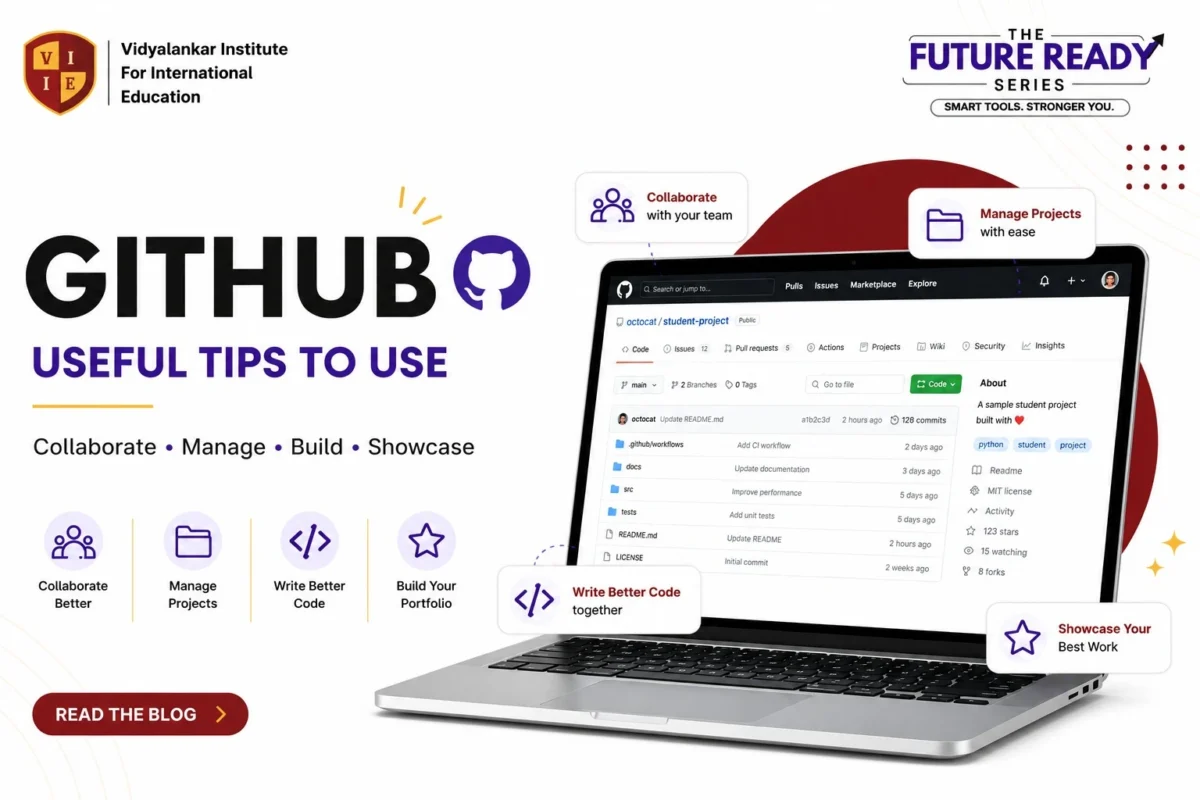
What is GitHub?
GitHub is a web-based platform that helps you store code, track changes, collaborate with others, and showcase your projects. It is built on Git, a version control system, and is one of the most widely used tools in the tech industry today.
10 Useful GitHub Tips for Every Student
- Write Meaningful Commit Messages – Use clear, concise messages explaining what and why. Example: “Add login validation to the form.”
- Use README File Well – Explain your project, how to run it, its features, and the tech used. A good README makes you stand out!
- Use Branches – Create a new branch for new features or fixes (git checkout -b feature/login).
- Push Regularly – Push your code frequently to keep it safe and up to date.
- Use .gitignore – Ignore unnecessary files like node_modules, .env, and .DS_Store to keep your repo clean and professional.
- Create Issues – Use issues to track bugs, features, or tasks. Great for planning and teamwork.
- Use Pull Requests – Raise PRs to suggest changes and review code before merging. This follows the standard collaboration flow.
- Star & Watch Good Repos – Star useful repositories and watch updates to learn from others.
- Use GitHub Projects – Organize tasks using Projects (Kanban boards) for better workflow — ideal for group projects.
- Showcase Your Work – Keep your best projects public and organized in your profile. Remember: your GitHub is your portfolio!
Handy Git Commands Cheat Sheet
| Action | Command | What It Does |
|---|---|---|
| Create a new repository | git init | Initialize a new Git repository |
| Clone a repository | git clone <url> | Download a repository |
| Check status | git status | Check changes in working directory |
| Add files | git add | Stage all changes |
| Commit changes | git commit -m "message" | Commit changes |
| Push changes | git push origin main | Push to GitHub |
| Pull latest changes | git pull origin main | Update from remote repository |
| Create a new branch | git checkout -b branch-name | Create & switch to new branch |
| Switch branch | git checkout branch-name | Switch to existing branch |
| Merge branch | git merge branch-name | Merge branch |
What Can You Build & Do on GitHub?
- Code Projects
- Group Assignments
- Open Source Contributions
- Personal Portfolio
- Documentation & Notes
- Showcase Certifications
Why Learn GitHub?
Every tech company today expects candidates to know Git and GitHub. Beyond coding, it teaches you teamwork, project management, and how to present your work professionally. A well-maintained GitHub profile can often say more to a recruiter than a resume.
At VSB and VIIE, our courses help you build practical, industry-ready skills like GitHub, so you’re prepared for real-world projects and careers. “Tools Today. Leaders Tomorrow.”
Connect with us today: